Insights / Design
Design systems developers actually use
In short
- A design system only works if it exists in code. A Figma library on its own is a style guide, not a system.
- Start from the components your product already repeats, not a full catalogue. Ten good components beat a hundred unused ones.
- Name things the same way in design and code, and share tokens for colour, type and spacing between them.
- Give every component its states, such as loading, empty, error and disabled. Missing states are where products look broken.
- Make one person or team own the system, with a simple way to propose changes.
We have inherited plenty of design systems. The pattern is familiar: a beautiful Figma library, a style guide PDF, and a codebase where every button is slightly different. The system lived in design and never made it into the product.
Here is how we build systems that developers reach for.
Ship it as code first
A design system is only real when a developer can import a component and use it. Build the coded component library alongside the Figma library, not after it. If you only have budget for one, put it into code. Most AI tools for UX design still ignore a design system's components, so the coded library is what keeps generated work in line.
Start with what you repeat
Do not start with a catalogue. Audit the product and list what appears most: buttons, form fields, cards, tables, navigation, modals and alerts. Build those well first. A system with ten solid components that cover most of the interface is worth more than a hundred that nobody uses. Tight limits help, as 8-bit game designers found.
Share tokens between design and code
Colour, type, spacing, radius and motion should be defined once as tokens and used by both Figma and the codebase. Change a token and both update. Tokens are also what make a system white label: the same components, re-skinned for another brand.
Name things the same way
If design calls it "Card / Feature" and code calls it PromoTile, the two will drift. Agree names early and use them everywhere: Figma, code, documentation and tickets.
Design every state
The default state is the easy part. Products look broken in the states nobody designed:
- loading and skeletons
- empty states, with a next step
- errors, written in plain English
- disabled and read-only
- long content, small screens and translated text
Every component should ship with its states, and the documentation should show them.
Document with real examples
Show each component in context, with do and do not examples taken from the real product. Keep the documentation next to the code so it stays up to date.
Give it an owner
Systems decay without an owner. Make one person or a small team responsible, and give everyone else a simple way to propose a change. Review proposals regularly, version the library, and say what changed in each release.
When to invest
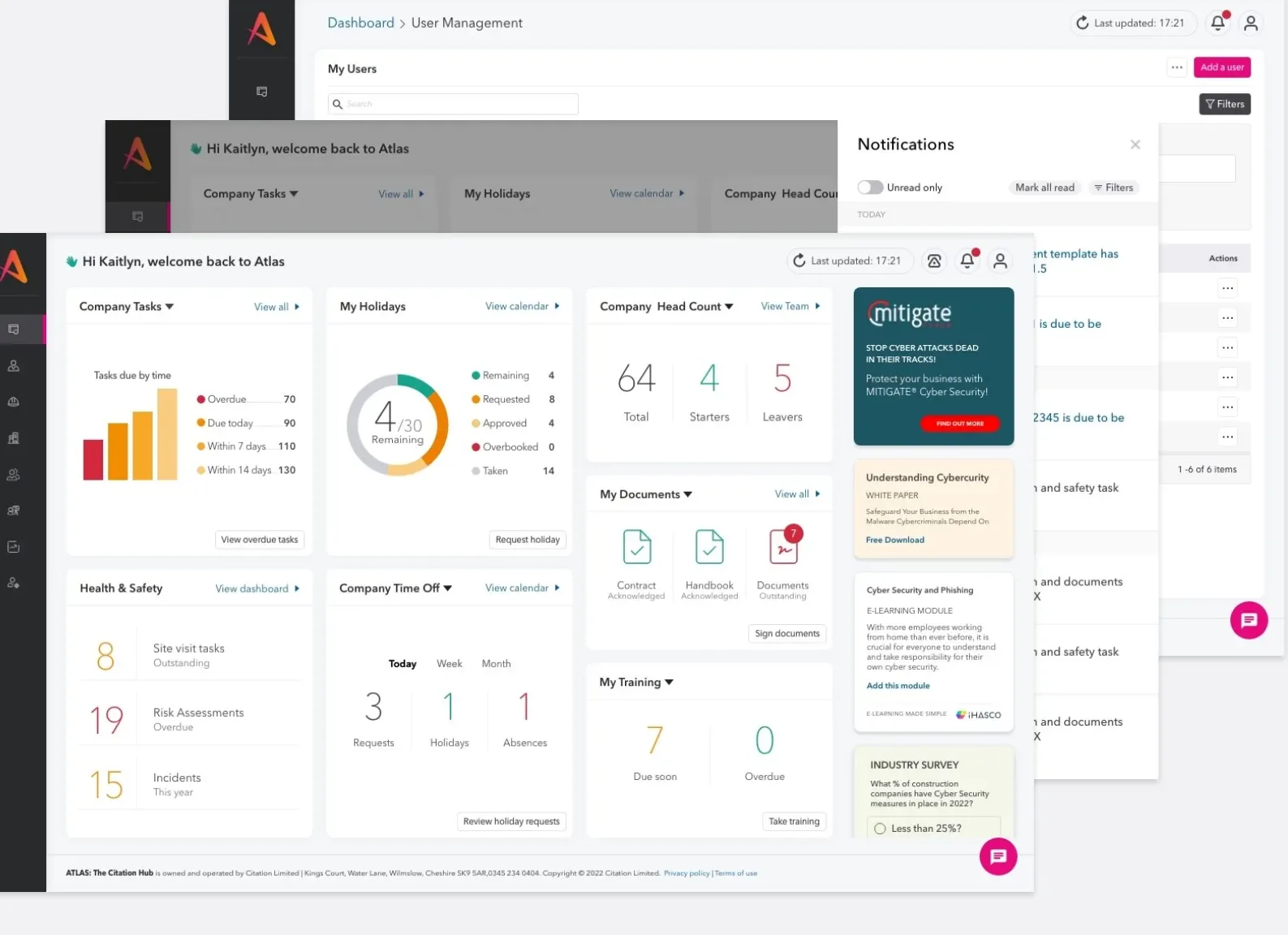
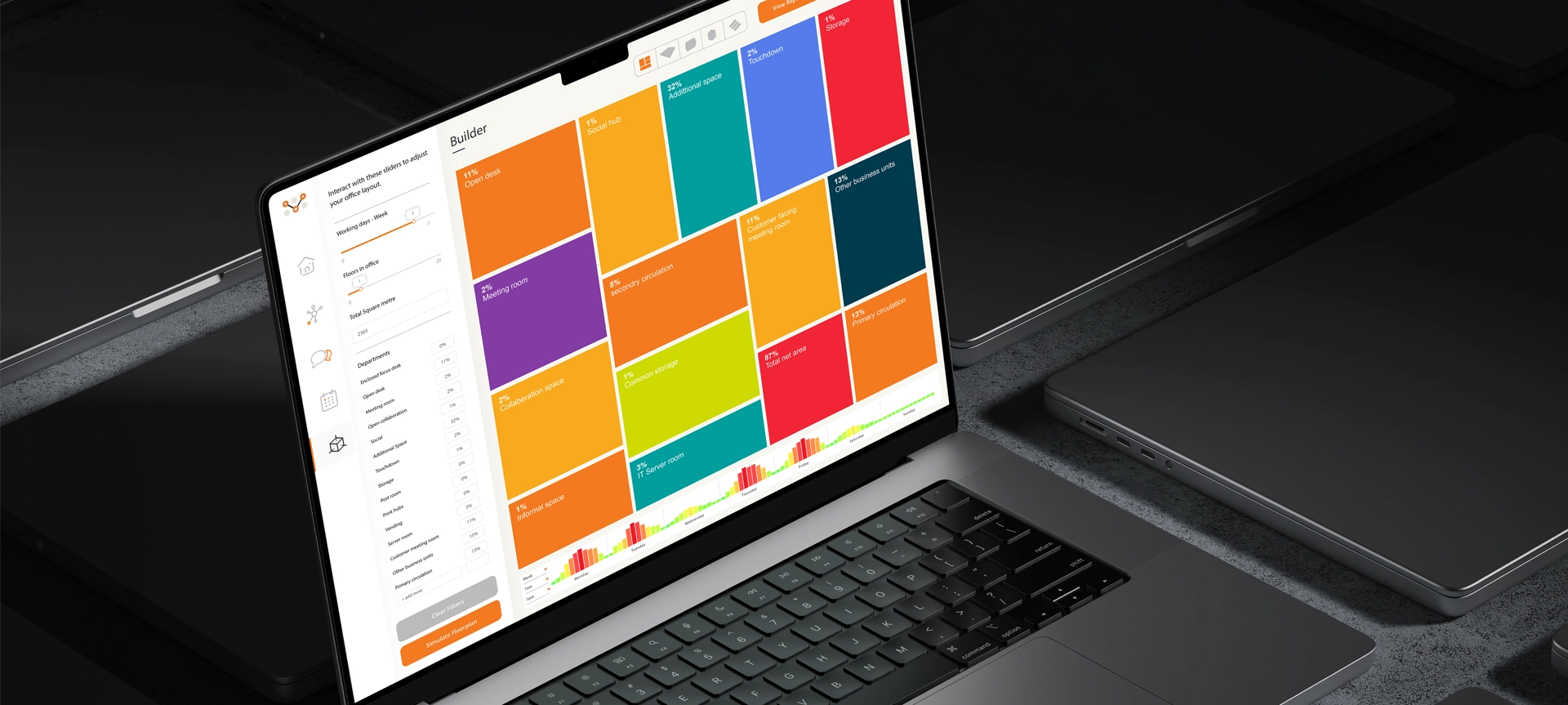
A design system pays off when more than one team, product or brand builds on the same interface, or when a product will keep growing for years. We built white label systems for Advanced Workplace Associates and a shared system across Citation's products for exactly that reason: new services launch looking like part of the same company.
If your system lives in Figma but not in the product, our product design team can help close the gap.
Common questions
What is the difference between a style guide and a design system?
A style guide documents how things should look. A design system also ships the components as working code, with tokens, states and usage rules, so teams build with it rather than copy from it.
How long does it take to build a design system?
A useful first version covering the most repeated components can take a few weeks. It then grows with the product. Treat it as a product, not a one-off project.
Should a design system be white label?
If the platform serves more than one brand or client, yes. Tokens for colour, type and spacing let you re-skin the same components without rebuilding them.