Insights / Engineering
Moving to a headless CMS without losing your search rankings
In short
- Search rankings are lost in migrations through broken URLs, missing redirects and lost content, not because of the CMS itself.
- Crawl the old site, map every URL to its new home, and redirect each one permanently with a 301.
- Keep titles, descriptions, headings, structured data and internal links, or improve them deliberately.
- A headless frontend is usually faster, which helps users and search, but only if images, fonts and scripts are handled well.
- Release in phases, submit the new sitemap, and watch Search Console daily for the first few weeks.
Teams move to a headless CMS for good reasons: faster sites, more design freedom, and editors who can build pages without a developer. The risk everyone worries about is search. Years of rankings can disappear in a weekend if a migration is rushed.
The CMS is rarely the problem. Broken URLs and lost content are. Here is the checklist we work from.
Before you build: crawl and map
- Crawl the current site and export every URL, including old campaign pages, PDFs and images that still get traffic.
- Pull your top pages from analytics and Search Console. These are the ones you cannot afford to lose.
- Map every old URL to a new URL. Keep URLs the same where you can. Where they change, decide the closest equivalent page.
- Decide what to retire. Pages with no traffic and no links can go, but redirect them to the nearest relevant page rather than the homepage.
Redirects
Every changed URL needs a permanent (301) redirect from old to new. Avoid chains where one redirect points to another. Test the full map before launch, not after. On a Next.js frontend, redirects can live in the codebase, so they are versioned and reviewed like any other change.
Keep what search engines read
- page titles and meta descriptions
- headings and body content
- internal links between pages
- image alt text
- structured data, such as Organisation, Article, Product or FAQ markup
- canonical tags and hreflang for multi-language sites
If you are improving any of these, do it deliberately and measure the effect, not by accident. The same signals help a page get cited by AI search engines.
Performance is the upside
A headless frontend can be much faster than a traditional CMS theme, which helps users and search. It is not automatic. Size images properly, load fonts carefully, keep third-party scripts in check and test on real phones.
Multi-market sites
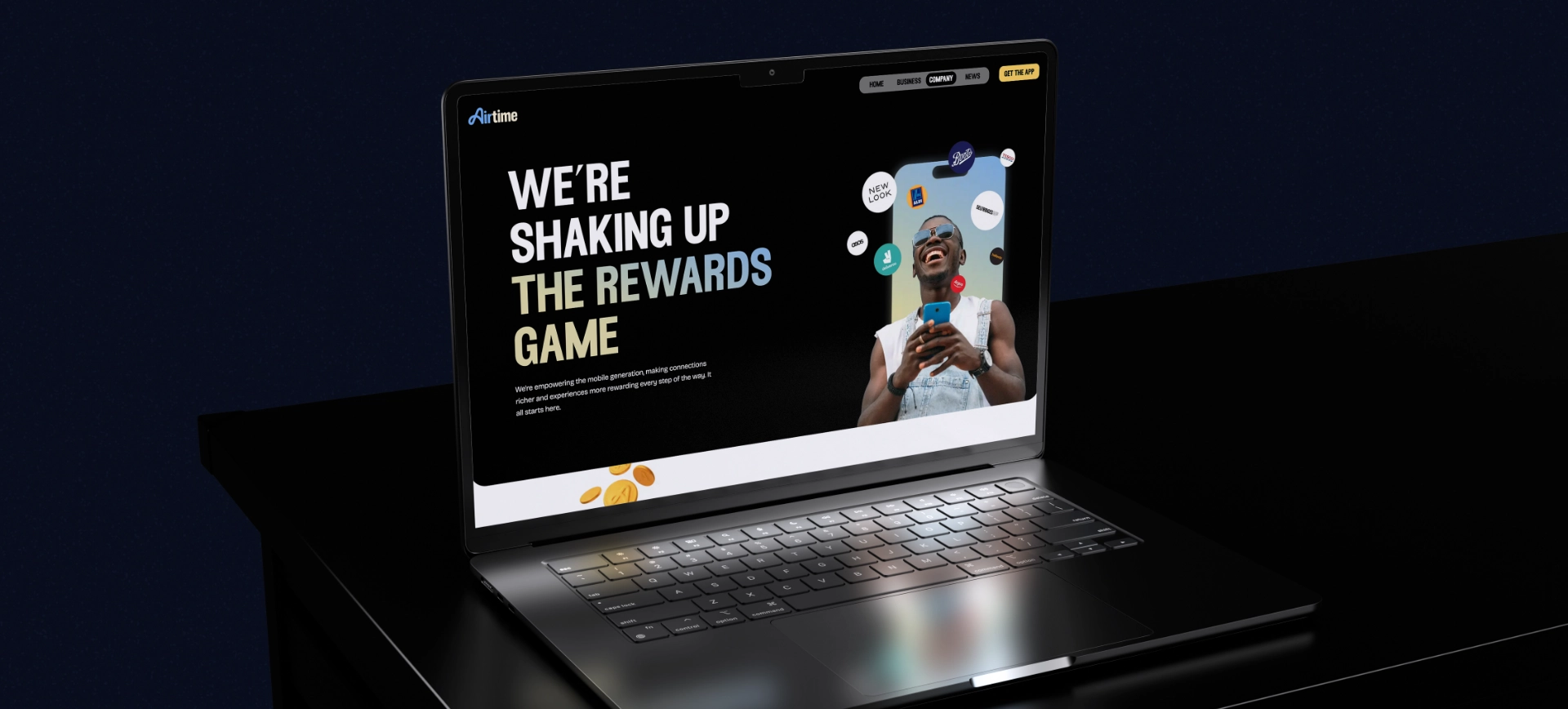
If you serve more than one country or language, plan hreflang and routing early. On Airtime we routed customers to the right version for Germany and Ireland by location, and planned the domain migration with their partners so search authority carried across.
Launch in phases
Release in stages where you can: one section, then the next. Each release is easier to check and easier to roll back. It is the same small, measured approach we use when acting on a UX audit.
The first few weeks after launch
- Submit the new XML sitemap in Search Console.
- Watch crawl errors and "not found" reports daily, and fix redirects as they appear.
- Compare rankings and traffic for your top pages week by week.
- Keep the old redirects in place for good.
If you are planning a replatform, our platform build team designs and builds headless sites with migration planned in from the start.
Common questions
Will moving to a headless CMS hurt my SEO?
Not if the migration is planned. Rankings drop when URLs break or content disappears. Map every old URL to a new one with a 301 redirect, keep your metadata and content, and monitor Search Console after launch.
What is a headless CMS?
A content management system that stores and serves content through an API, with a separate frontend built in a framework such as Next.js or Nuxt. Editors keep a familiar interface while developers control performance and design.
How long does a website migration take to recover in search?
Google says a medium-sized site can take a few weeks for most pages to move in its index. Well-planned migrations often see little disruption.